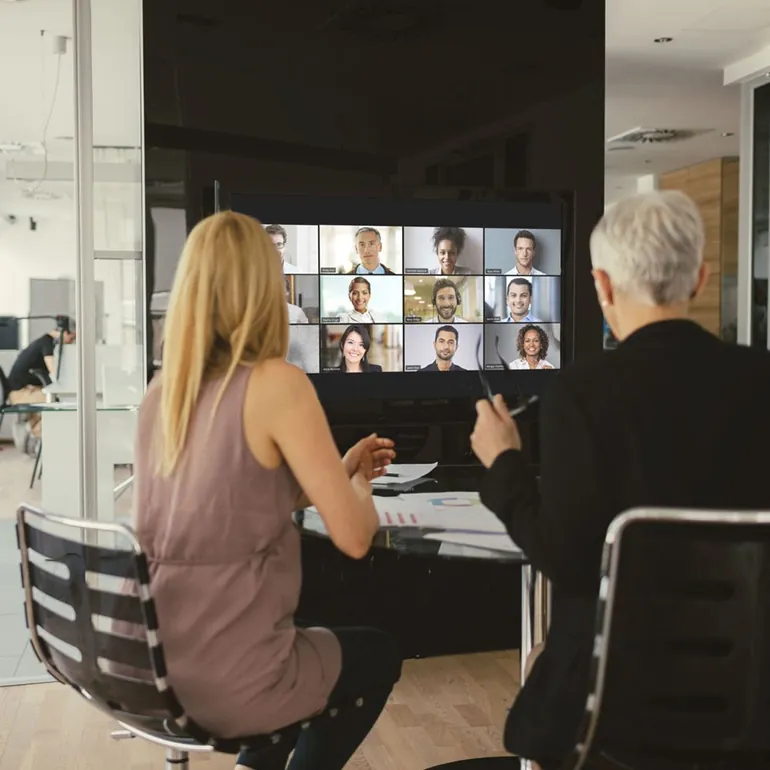


A hardware guide for video meetings: how to choose a camera, microphone and headset
Most complaints in video meetings come from the sound, not the picture. People will put up with a slightly blurry camera, but if the speaker's voice is echoing, breaking up or too quiet, the meeting quickly becomes tiring for everyone. So a good rule when choosing hardware is to set the order like this: sound first, then camera, and screen last.
Below we describe our product groups, divided by the environment they are used in. The catalogue includes brands such as Poly, Jabra, Avaya, TelyCam, Angekis, INSTA360, Wacom, Legamaster and Demopad.
Define the environment first
The same hardware does not do the same job everywhere. Three typical situations:
- One person at a desk. A computer, a headset and perhaps a separate camera are enough.
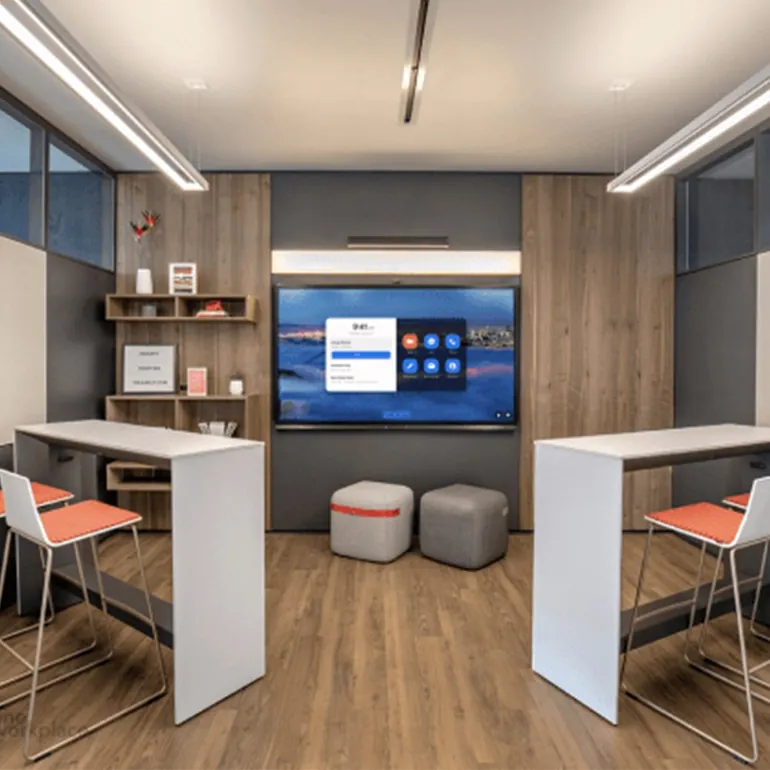
- A small meeting room or "huddle" space (2-6 people). An all-in-one device, or a conference phone and camera pair.
- A large meeting room or training room. Several microphones, a remote-controlled camera, a large display and shared control.
Headsets: the best investment for a desk
Wired and wireless headsets are the quickest win for people working in an open-plan office or at home. Because the microphone sits close to the mouth, background noise is reduced and the other side hears you clearly.
- Wired headsets: plug and play over USB, with no battery to worry about. A reliable choice for call centres and long working days.
- Wireless headsets: connected by Bluetooth or DECT. More comfortable for people who stand up and move around during a meeting or switch between a phone and the desk.
Speakerphones and conference phones
Where a few people gather around one table, the most practical solution is a speakerphone placed on the table. Desktop speaker and microphone audio systems make everyone in the room heard and carry the remote voice clearly into the room.
If you are looking for an audio-focused solution that works independently of a computer, take a look at our IP conference phones and SIP phones. We will clarify together at the quote stage which model is compatible with your phone infrastructure.
Cameras: four routes depending on need
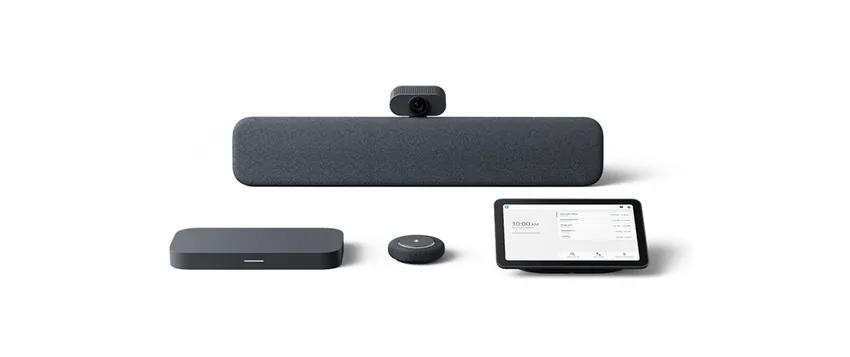
- Compact video conferencing hardware: the easiest solution to set up for small rooms, combining camera, microphone and speaker in one unit.
- USB 3.0 camera systems: cameras that plug into a computer and offer different lens and zoom options. Suitable for medium-sized rooms and training sessions.
- NDI camera systems: cameras that send video over the network. For teams that do live broadcasting and multi-camera production.
- 360-degree and action cameras: for special cases where you want to transmit the whole room or moving shots.
Displays, tablets and room control
Hardware is not only about sound and picture. There are touch and professional displays for interactive presentations and training, graphics and drawing tablets for handwritten notes and drawings, and meeting room automation and control solutions for managing many devices with a single touch.
Think about software and hardware together
The best results come from planning the hardware together with the meeting software. If you want to start a meeting with a single touch in your room using Zoom, take a look at our Zoom Rooms article; our system selection guide also helps for the general picture.
For a hardware recommendation that suits the size of your room and your budget, you can use the contact form or request a quote directly.