

What is Zoom Rooms? How your meeting room becomes one that starts with a single touch
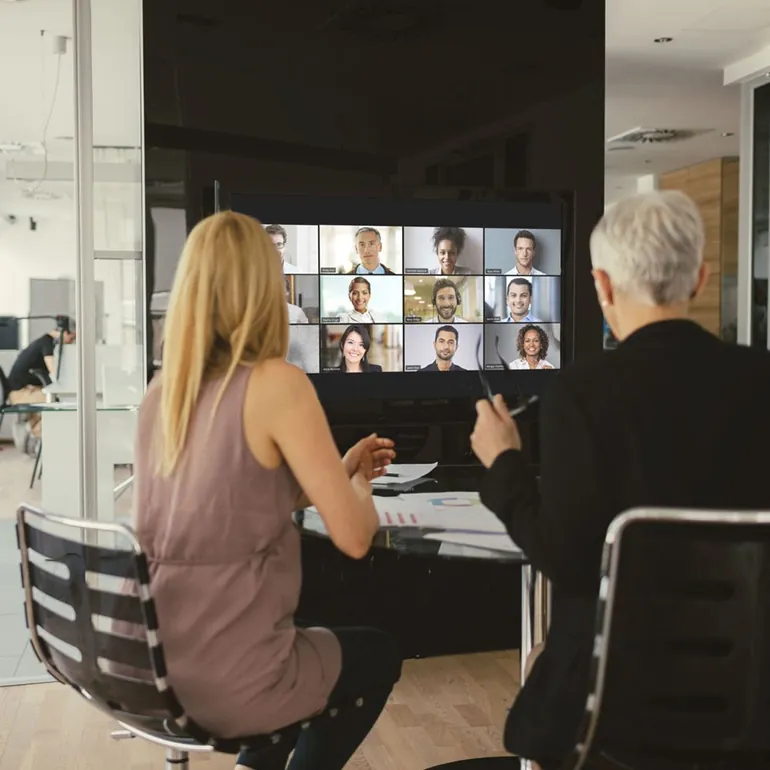
In hybrid working, the meeting room is where two separate worlds meet. People sitting in the room hear each other easily, while those joining remotely often cannot become part of the crowd in the room. The camera shows everyone tiny from a far corner, the microphone only hears one end of the table, and people spend minutes fiddling with a remote control just to start the meeting.
Zoom Rooms is a room experience designed to solve these problems. It is described as a modern workspace for hybrid teams and aims to bring HD video collaboration to the office, the classroom or the home, so that people attending in person and those who are remote can interact in real time.
One-touch meetings
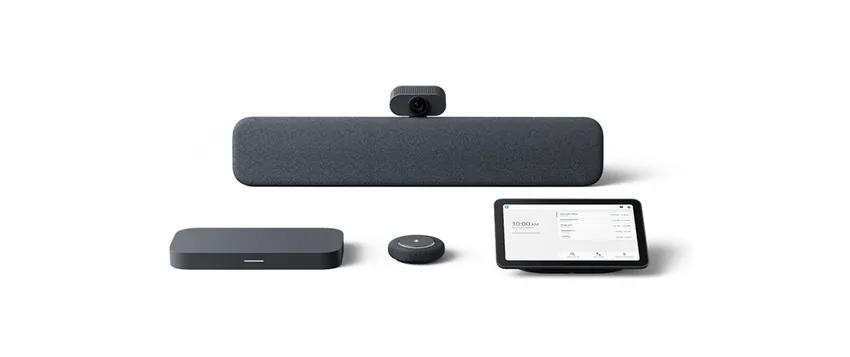
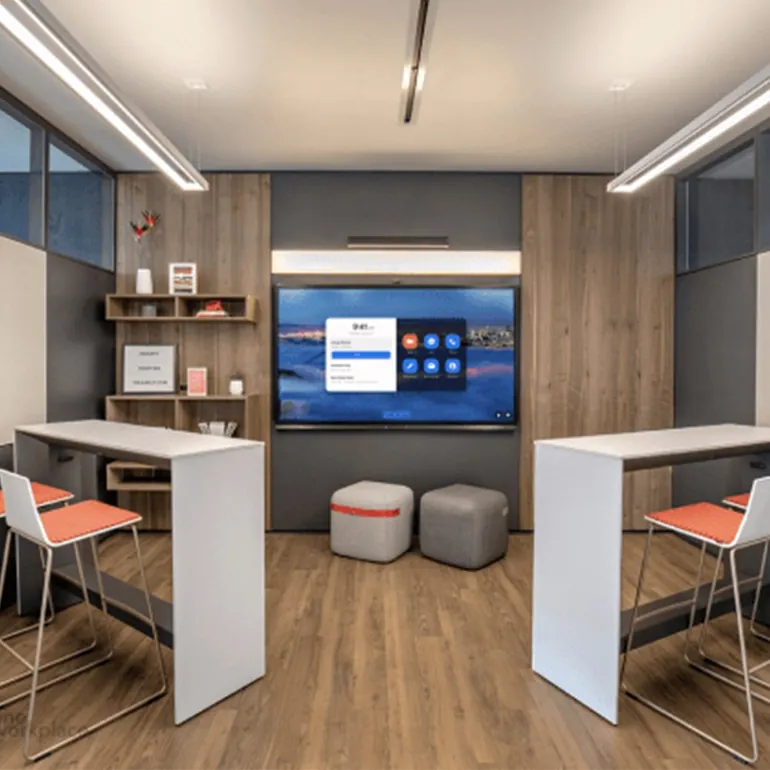
The basic promise of Zoom Rooms is simple: start or join a video meeting by touching a single button. Starting a meeting, booking a room and sharing content have all been kept just as simple.
If you do not want to touch the shared controller in the room, you can also start, stop and control the meeting from your phone or laptop. You only need to pair your device with the local Zoom room.
Smart Gallery: let remote participants see you
Showing several people in a room with one camera always leaves the remote participant looking at a small group photo. Smart Gallery uses AI to create up to three separate video streams from a single camera image and shows the people in the room better to those who are remote. This way the remote participant sees the faces and reactions of the people in the room, and the meeting comes closer to a face-to-face experience.
Workspace reservation
In offices that have moved to flexible working, the most common question is "where will I sit today?" The Workspace Reservation feature of Zoom Rooms lets teams reserve flexible workspaces. It can be used from your desktop computer, a personalised Zoom device or a Zoom phone, and its use and management have been kept easy.
Room schedule and headcount
The scheduling display found in every Zoom room shows whether there is a meeting in the room, when the next meeting starts and how many people are in the room. You can see an empty room and reserve it quickly. In companies short of space, it is a small but effective detail, as it puts an end to the "the room looks empty but is taken" argument.
Kiosk mode: a virtual receptionist
Kiosk mode makes it possible to speak face to face with a virtual receptionist at the entrance of an office, hotel or lobby. You can customise the screen to your brand and adapt the message to the setting and purpose. It is a practical solution where welcoming visitors is very busy or where reception staff are not always at their desk.
If you already have a room system
Not every organisation has the luxury of building rooms from scratch. If a Poly (Polycom) or Cisco system is already running in the room, the Zoom Conference Room Connector steps in: it connects room systems based on the SIP and H.323 standards to the Zoom cloud. This way your existing rooms can meet in the same meeting as desktop, mobile and Zoom Rooms users, and you can monitor the status of distributed rooms from a single admin console.
Which rooms is it suitable for?
- Medium and large meeting rooms where hybrid meetings are frequent
- Training and seminar rooms
- Office floors that have moved to flexible working
- Visitor reception points (with kiosk mode)
We plan the licences, hardware and installation for rooms together. You can fill in the quote form or first talk to us about what kind of room you will build. Our selection guide is also useful for a general assessment.