

7 things to look at when choosing a corporate video conferencing system

Video conferencing is no longer a "nice to have". Every day of the week, teams talk to customers and suppliers through it. That is why a badly chosen system shows itself not through one big failure but through small frictions: ten minutes lost before a meeting starts, a remote participant who cannot hear the conversation in the room, an IT team that does not know who is using which licence.
The seven headings below list the questions to ask yourself before you request a quote. If you have a clear answer to each of them, your conversation with the supplier will be far more productive.
1. Who will join, and on which devices?
Start with the participant profile. Do most of your people connect from a desktop computer, or from a phone in the field? Are some meetings held from a room? Will customers and external stakeholders have to download an application that you have set up?
A good system lets everyone join smoothly from their own device and wherever they are. That is why Zoom Meetings keeps it simple to join the same meeting from different devices with its desktop and mobile apps.
2. How big is your biggest meeting?
Think about the peak, not the average. Even if it is a company meeting held twice a year, a plan that cannot hold it will force you to wait for another quote for an extra licence during the year.
The participant capacity of the Zoom plans is 100 for Pro, 300 for Business and 1,000 for Enterprise. On the Pro and Business plans, the Large Meeting add-on can raise this to 1,000. We explain the differences between the plans in detail in a separate article.
3. How will the meeting rooms work?
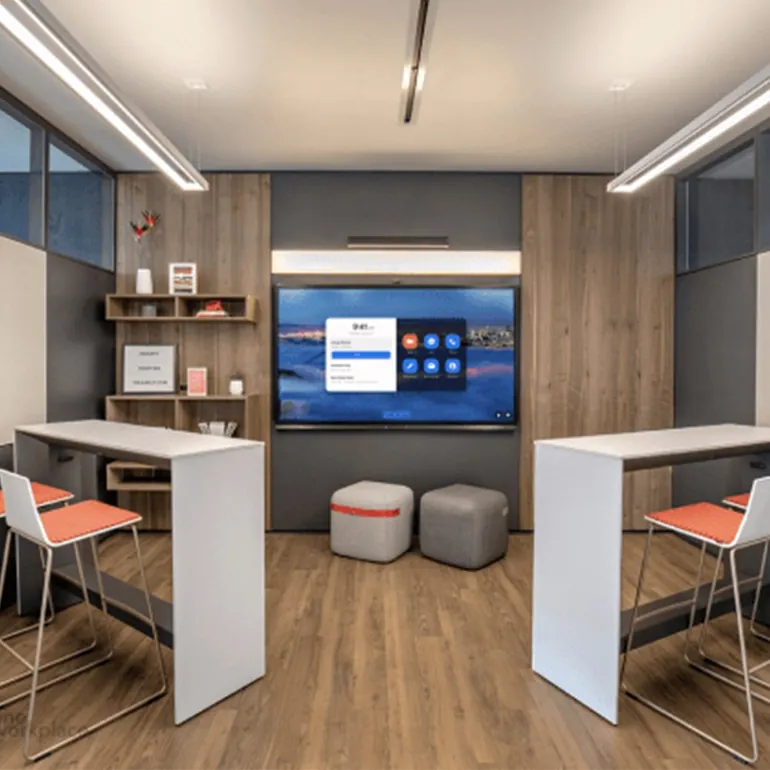
A meeting held at a computer is not the same as a meeting with eight people sitting in a room. The sound in the room has to reach the remote person cleanly, the camera has to frame everyone and the meeting has to start with a single touch.
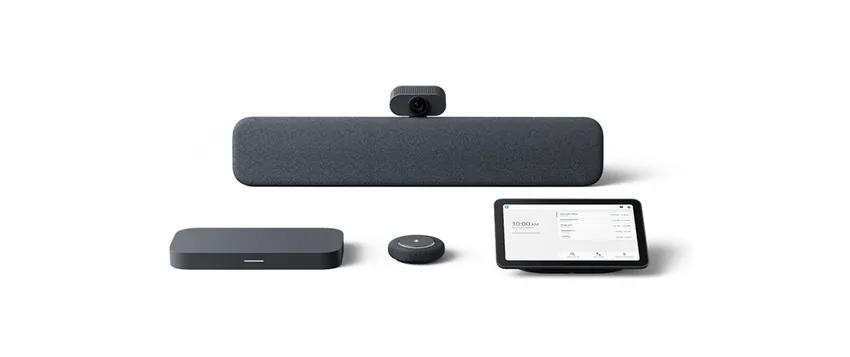
If you are building a room from scratch, Zoom Rooms was designed for the job. If the room already has a Polycom or Cisco system, you do not have to throw it away: the Zoom Conference Room Connector connects SIP and H.323 endpoints to the Zoom cloud. We cover the room and hardware side in our Zoom Rooms article.
4. In what conditions was audio and video quality measured?
Every demo looks perfect. What you need to ask is what happens in a noisy open-plan office, in a badly lit home or on a slow connection. Zoom has features that suppress background noise, touch up your appearance and adjust the lighting; try them in your real working conditions.
Hardware is a separate matter: good software cannot rescue a bad microphone. Our hardware guide answers the question of what works in which room.
5. What do you need for management and security?
Being able to see who is using which licence, which accounts meetings are opened from and where recordings are kept is at least as important for the team running the system as it is for the users. Features such as company branding, single sign-on (SSO) and central management fall under this heading.
If you have many rooms, seeing their status from a single admin console also saves a great deal of time; the Zoom Conference Room Connector offers this central management.
6. How will meeting recordings and notes be managed?
Making a recording is easy; keeping recordings useful is hard. What matters is how long a recording will be kept, how much cloud space is allocated and whether you can search within it. Zoom can create a searchable transcript from recordings, which helps when you need to find a single sentence in a long meeting.
Storage varies by plan: the Pro and Business plans include 10 GB of cloud recording per licence, and cloud storage on the Enterprise plan is unlimited.
7. After-sales support and total cost
The licence fee is only one part of the total cost. Hardware, installation, user training and annual renewal should be counted too. Also ask whether, when something goes wrong, you can reach a fast support team that knows you and speaks your language.
ETGİ Grup works as Zoom's sales, training and support centre in Türkiye, so licences, hardware and training can all be planned in one place.
If you are not sure which plan and hardware suit you, fill in the quote form or get in touch with us and we will plan it together.